
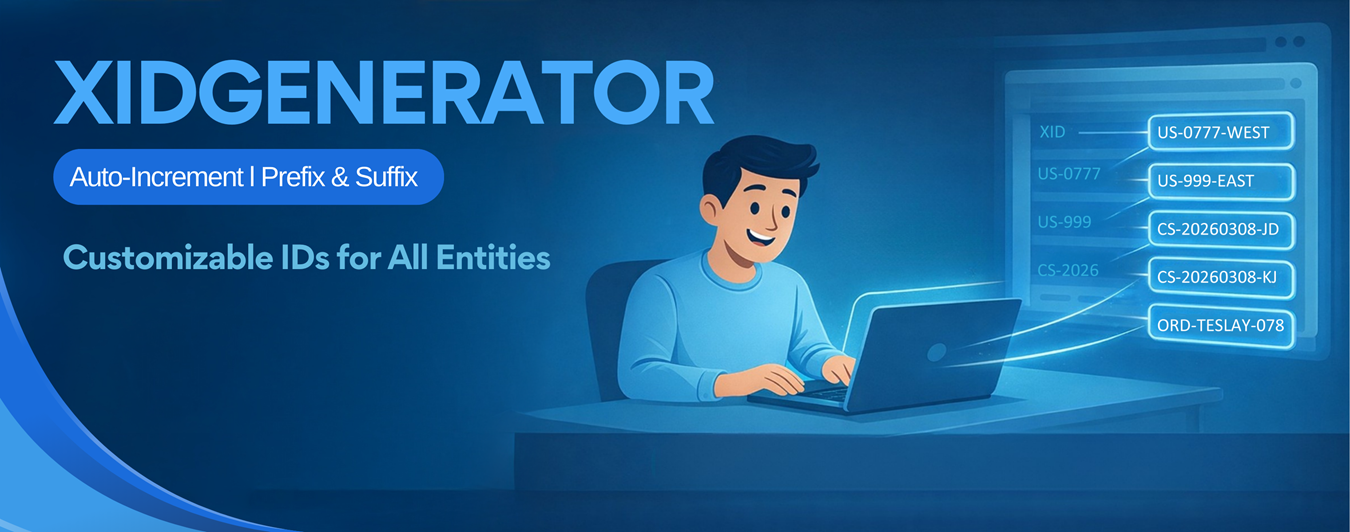
Bringing Order and Intelligence to Your SageCRM Data
Flexible, Custom Sequences for Every Entity
XIDGenerator provides the easiest way to generate auto-sequence numbering for any SageCRM entity. Whether you need to track support tickets, invoices, or custom records, our tool allows you to define unique identifiers instantly.
Support virtually any format with options for prefixes, suffixes, zero padding, and starting numbers—all without complex coding or additional customization.
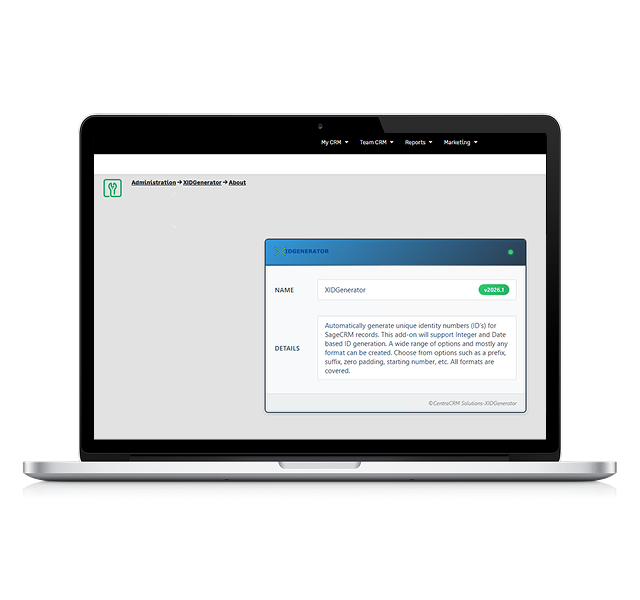
id generation made easy
Total Custom Unique ID
Choose your specific format including prefixes, suffixes, and zero padding to match your internal tracking systems perfectly.
Multi-Field Support
Create more than one auto-increment field in a single entity, giving you granular control over different data types.
Retroactive Updates
Don't just track the new; generate serial numbers for your existing records to bring your entire database into alignment.
Key Features of XIDGenerator
Eliminate manual entry errors and ensure data integrity. XIDGENERATOR offers a robust set of tools designed to save time and increase administrative efficiency.
Universal Entity Support
Unique numbering ensuring consistent tracking across your entire system.
Seamless Workflow Integration
Workflows integrate well and IDs generate correctly even during complex automated processes.
Easy Admin Configuration
Administrators can set up and configure fields easily. The intuitive interface means you can launch new numbering systems quickly without developer intervention.
Instant Efficiency
Automated ID creation saves time and increases efficiency, allowing your team to focus on data management rather than data entry.
No-Code Setup
Configure fields quickly without additional customization. Achieve complex numbering formats strictly through configuration, not code.
xIDGENERATOR SCREENS
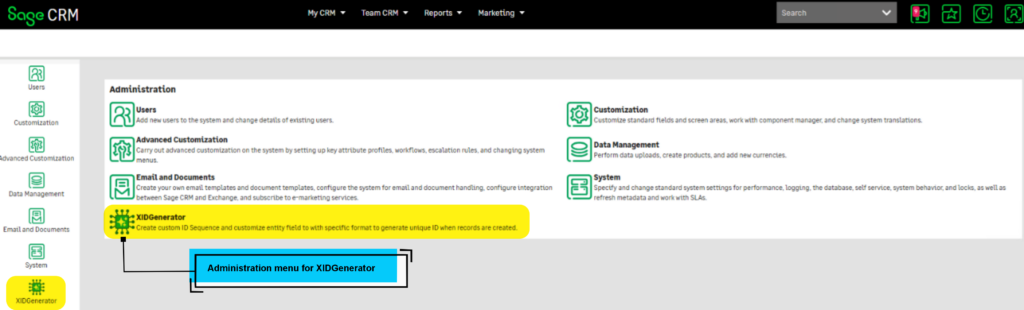
This screen shows how XIDGenerator is accessed from the Administration section of Sage CRM.
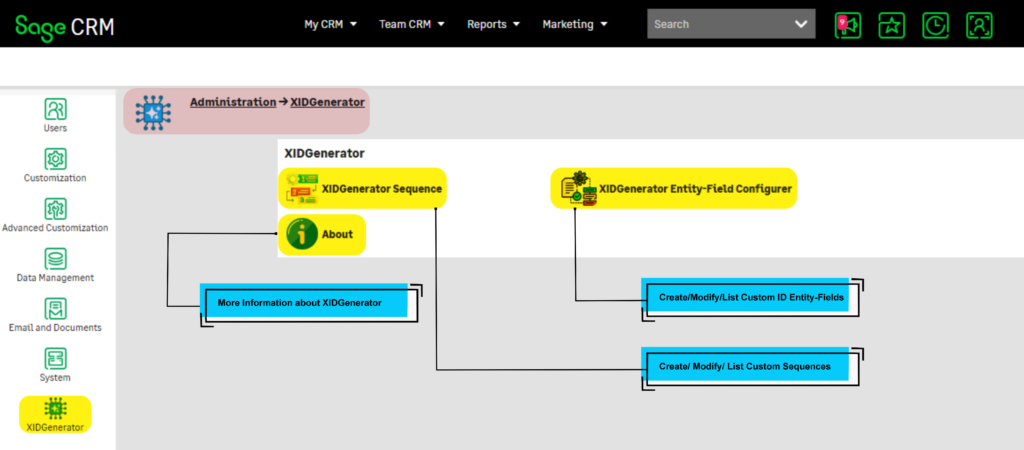
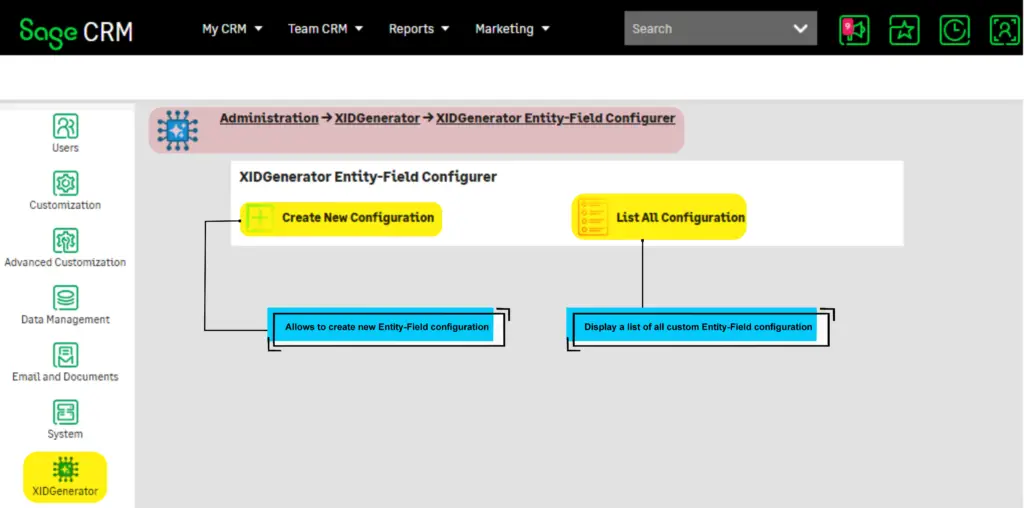
This is the main Administration screen of XIDGenerator. This further allows to access XIDGenerator’s Sequences and Entity-Field Configurations.
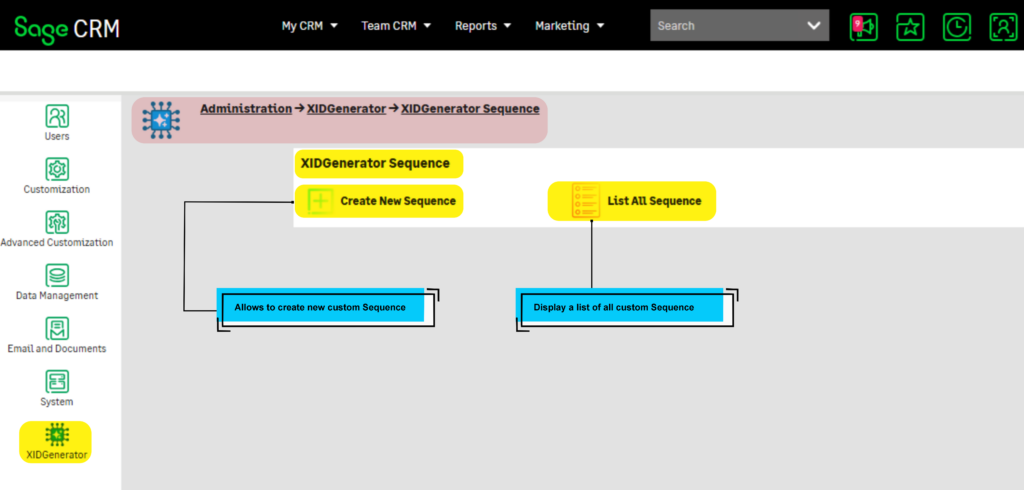
Administration screen of XIDGenerator that allows to Create Sequence and List all Sequences.
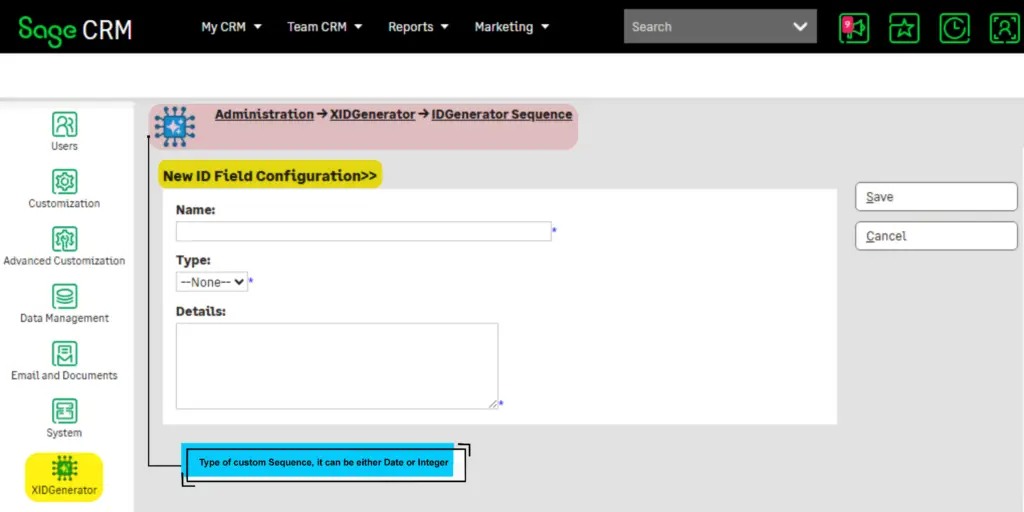
Administration screen of XIDGenerator that allows to Create Sequence and List all Sequences.
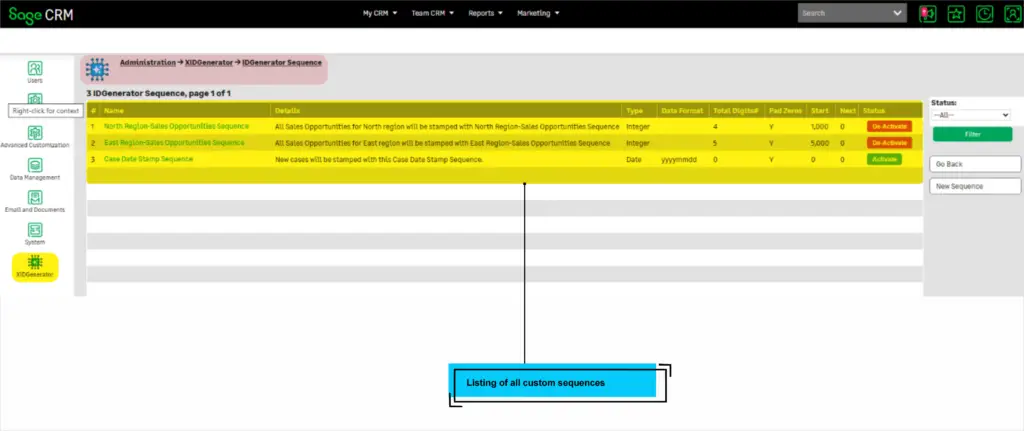
Administration screen of XIDGenerator that allows to Create Sequence and List all Sequences.
Administration screen of XIDGenerator that allows to Create Sequence and List all Sequences.
fAQ
XIDGENERATOR is a custom Sage CRM component that automatically generates unique, configurable identifiers for various Sage CRM entities (Companies, Persons, Opportunities, Cases, etc.). It replaces standard auto-numbering with flexible, rule-based ID generation.
XIDGENERATOR supports SageCRM versions 2024 and 2025R1. Check the product documentation for specific version compatibility.
Companies
Persons
Opportunities
Cases
Leads
Quotes
Orders
Communications
Solutions
Custom entities
Navigate to Administration → XIDGenerator → XIDGenerator Entity-Field Configurer. Click “New” and configure:
Select the target Entity (Company, Person, etc.)
Select the Field that will store the generated ID
Choose a Sequence (defines the numbering pattern)
Configure Prefix and Suffix options
Set Padding length and character
Save the configuration
XIDGenerator supports three types:
| Type | Description | Example |
|---|---|---|
| Text | Static text | "CMP-" |
| FieldValue | Value from another field | {comp_city} |
| CurrentUserInitials | Logged-in user’s initials | "JD" |
By default, XIDGenerator only affects NEW records. We can extend our services to refresh existing records values to match the XIDGENERTOR sequences.
XIDGenerator stores configuration in these tables:
XIDGeneratorConfig– Entity configurationsXIDGeneratorSequence– Number sequences
Backup these tables along with your regular CRM database backup.
To reset a sequence:
Go to XIDGenerator Sequence list
Open the sequence
Set “Starting Number” to desired value
Save
Warning: This may cause duplicates if not managed carefully
Users need:
Administration access in Sage CRM
Customization rights for entity configuration
Yes, you can:
Deactivate individual configurations
Disable database triggers
Set sequences to Inactive
Remove configuration entries
Warning: Disabling may cause inconsistent ID generation when re-enabled.